What the App Does
GF PriceChecker measures the real cost premium on gluten-free groceries — comparing cost per unit rather than package to package — and keeps the receipts and photographs that back every figure up.
See It in Action
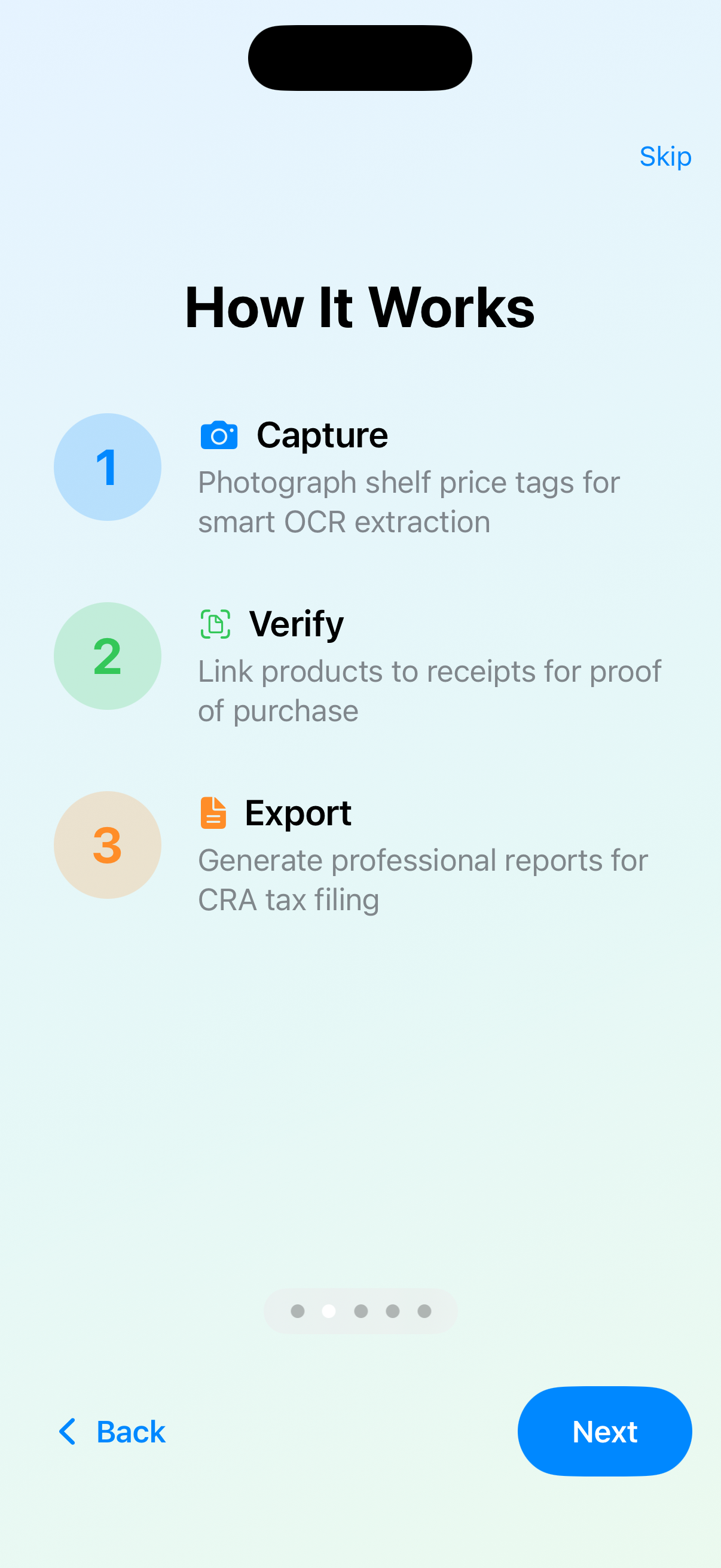
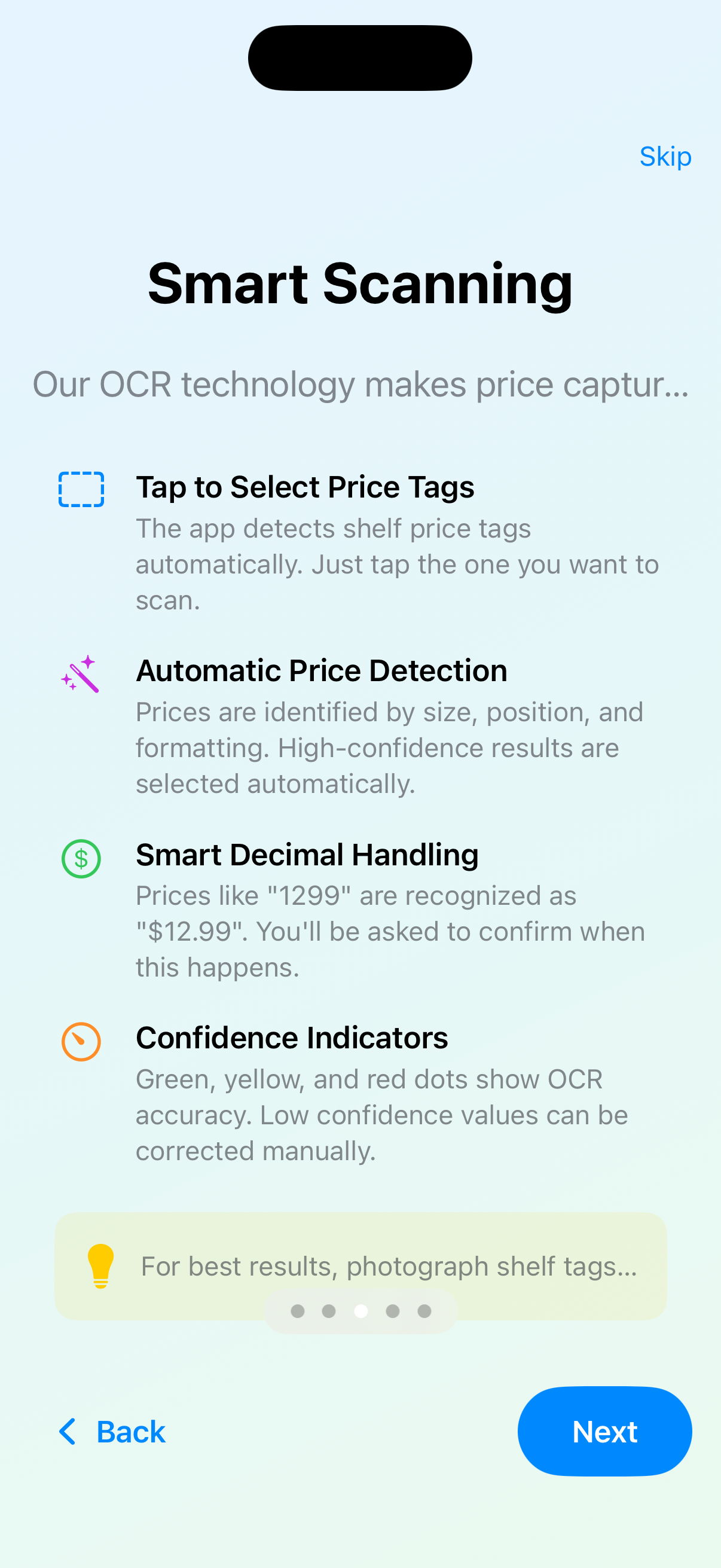
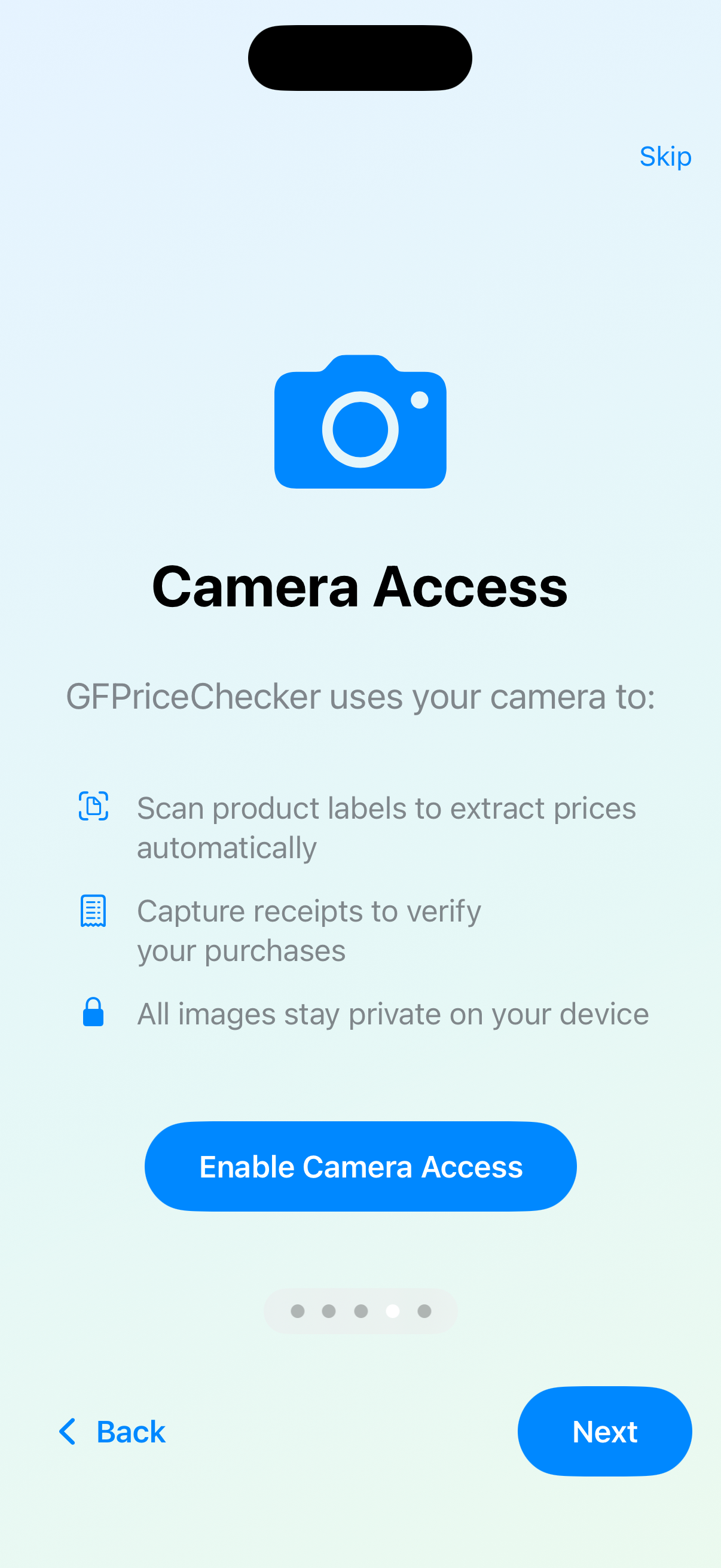
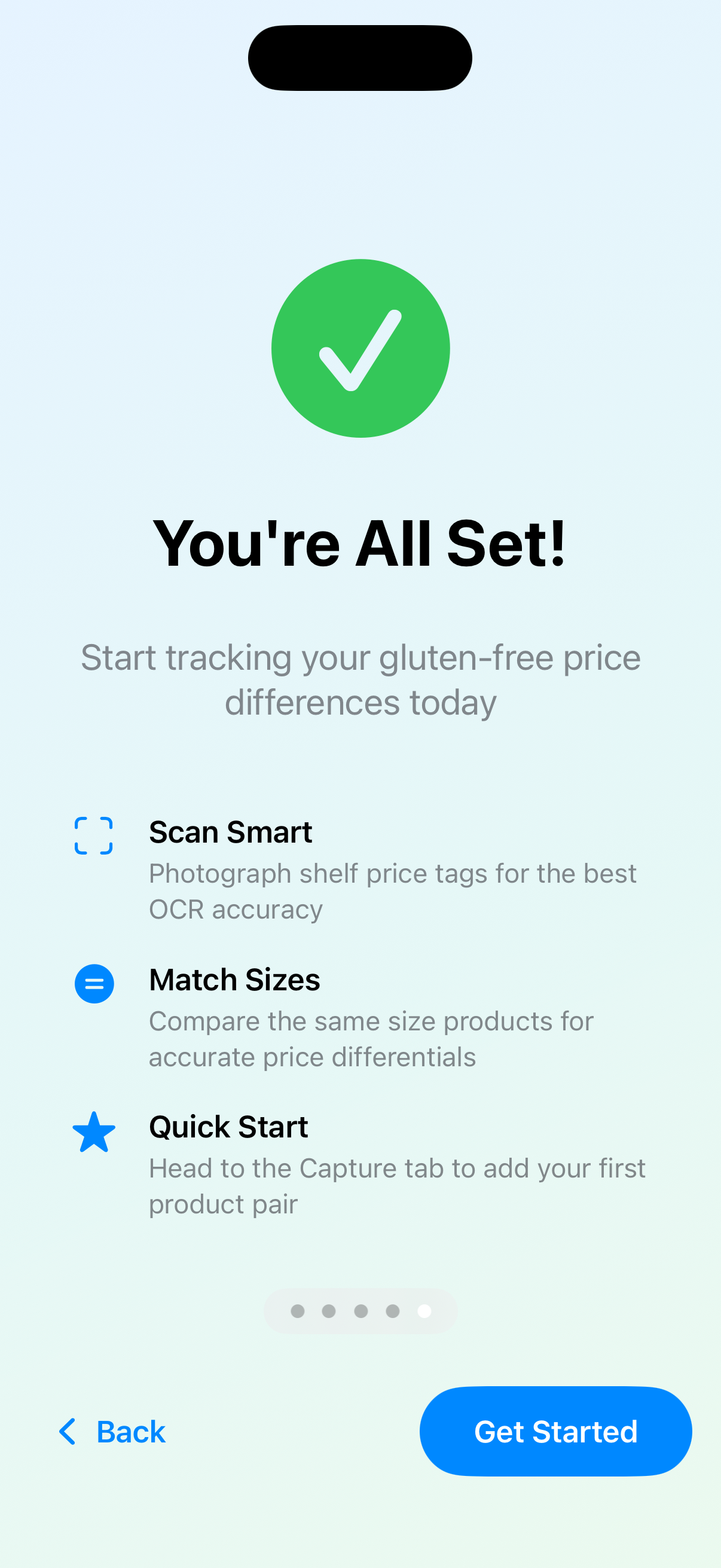
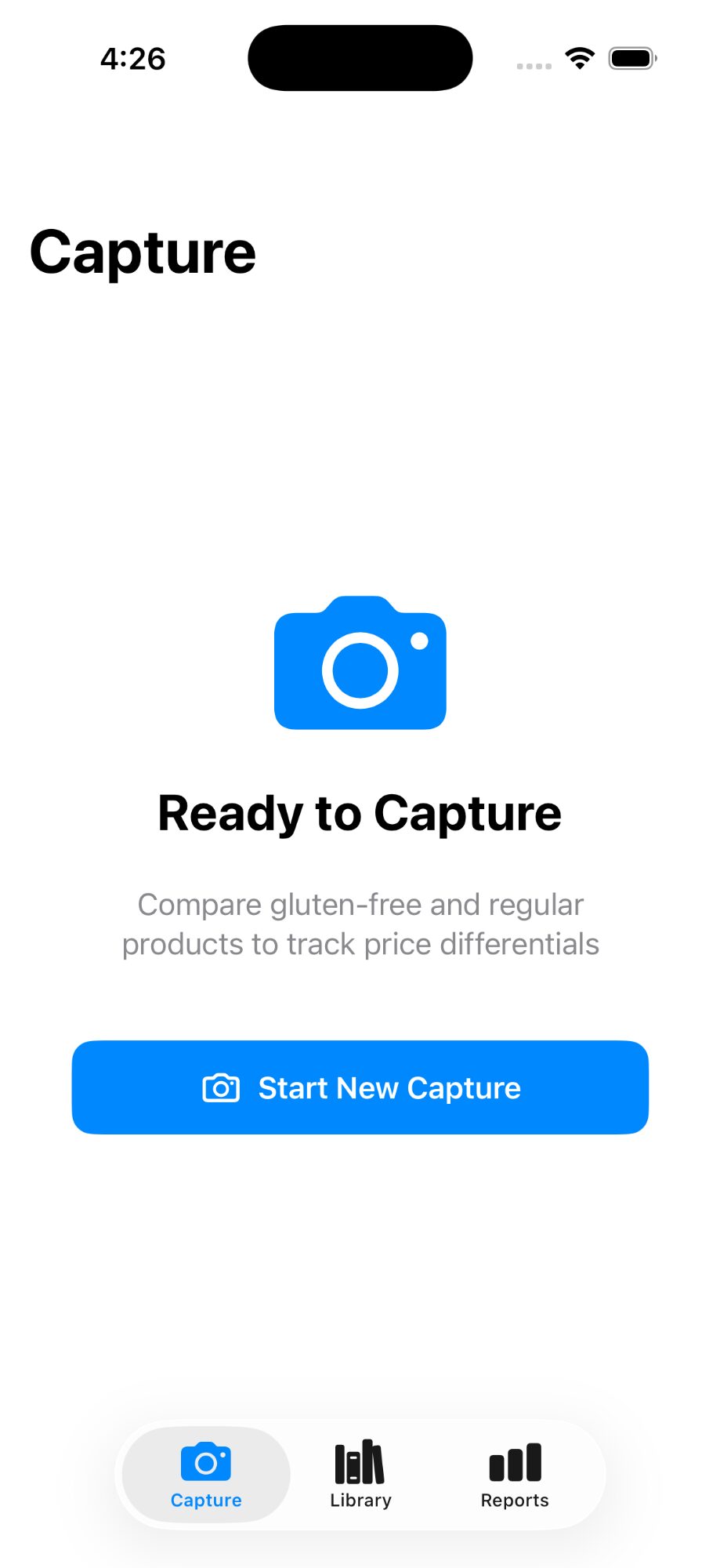
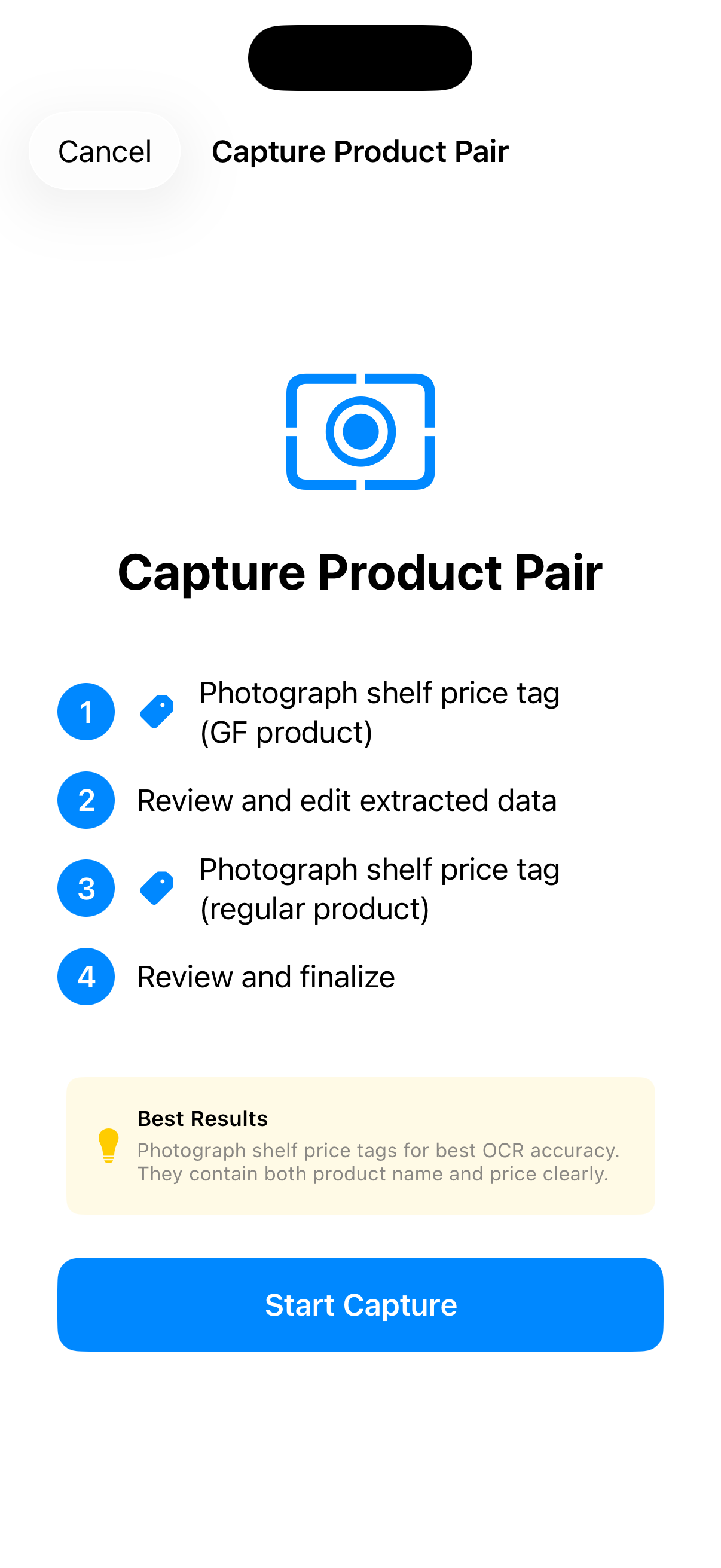
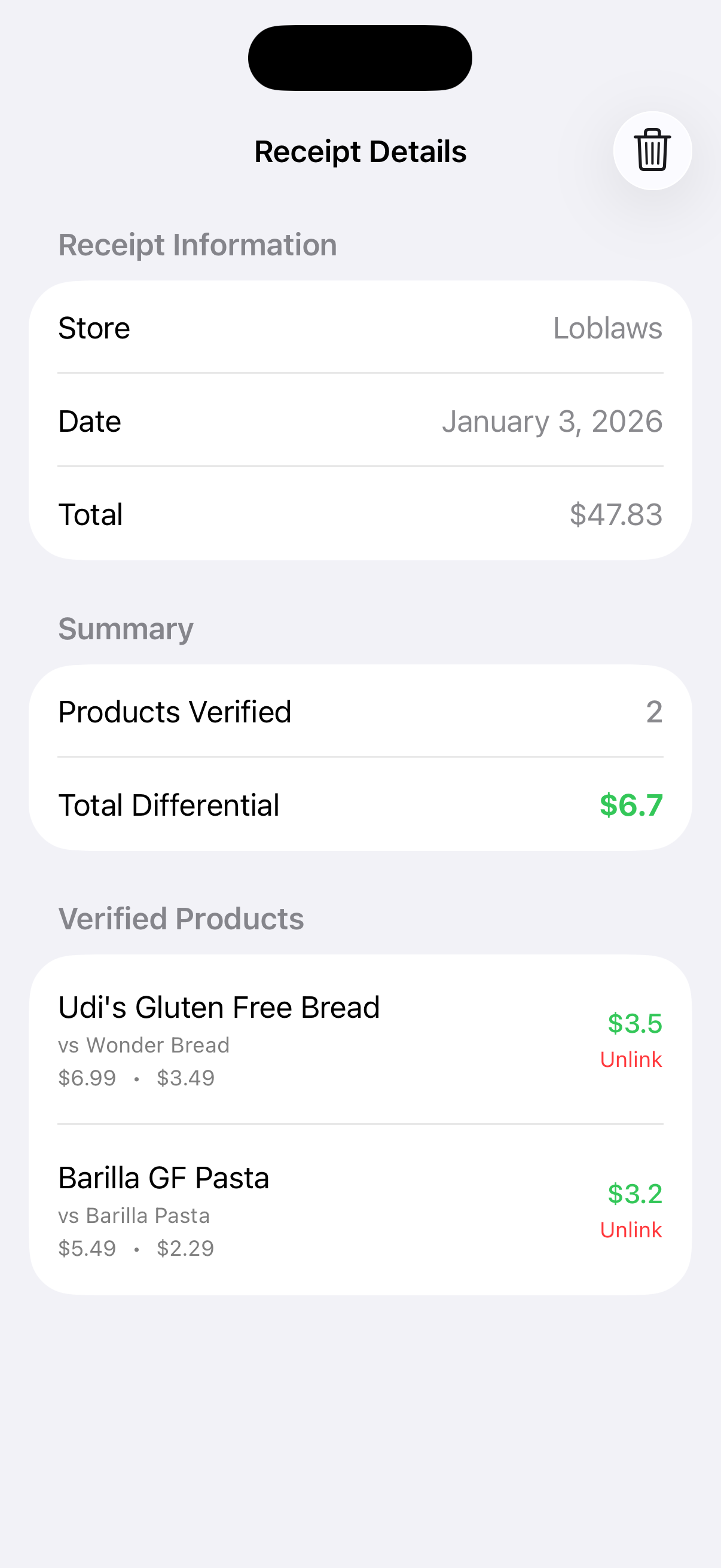
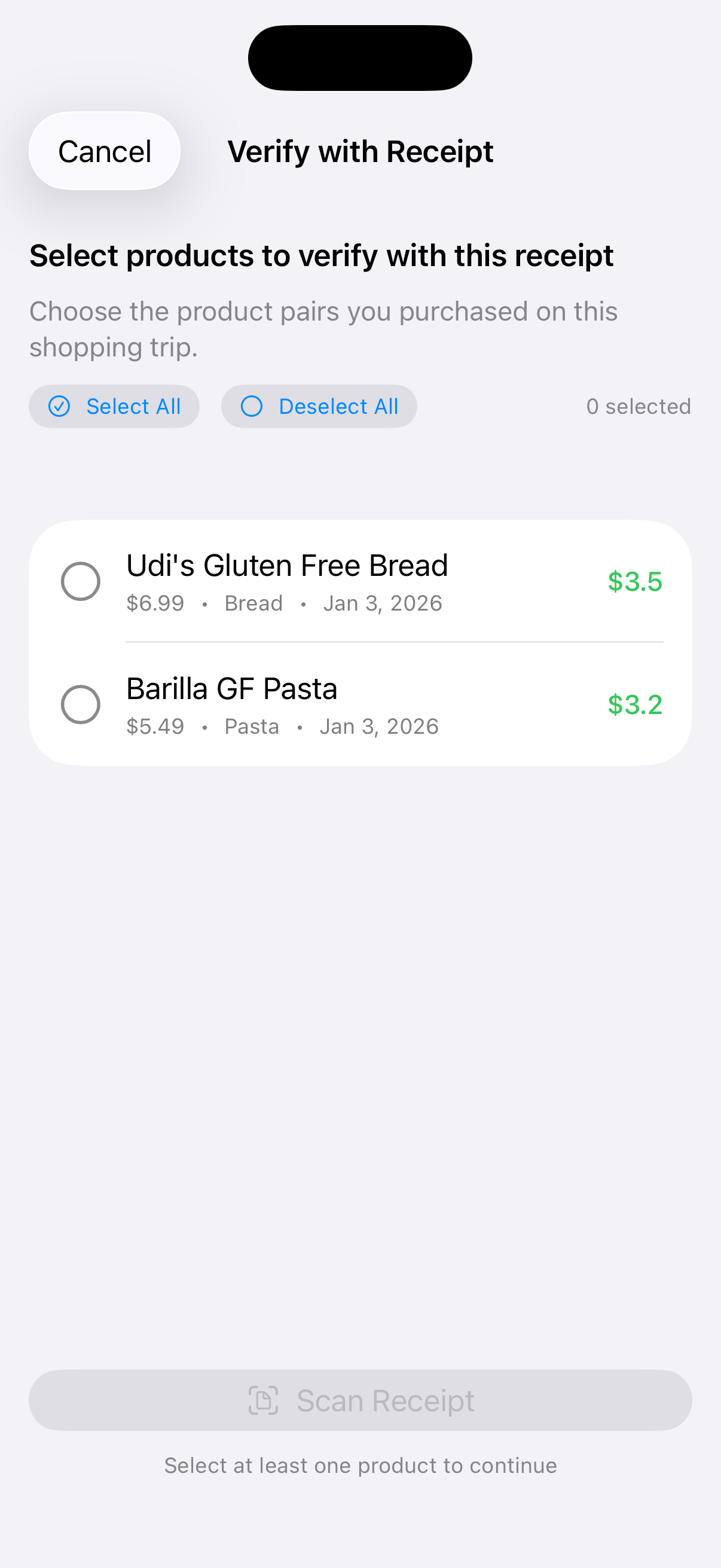
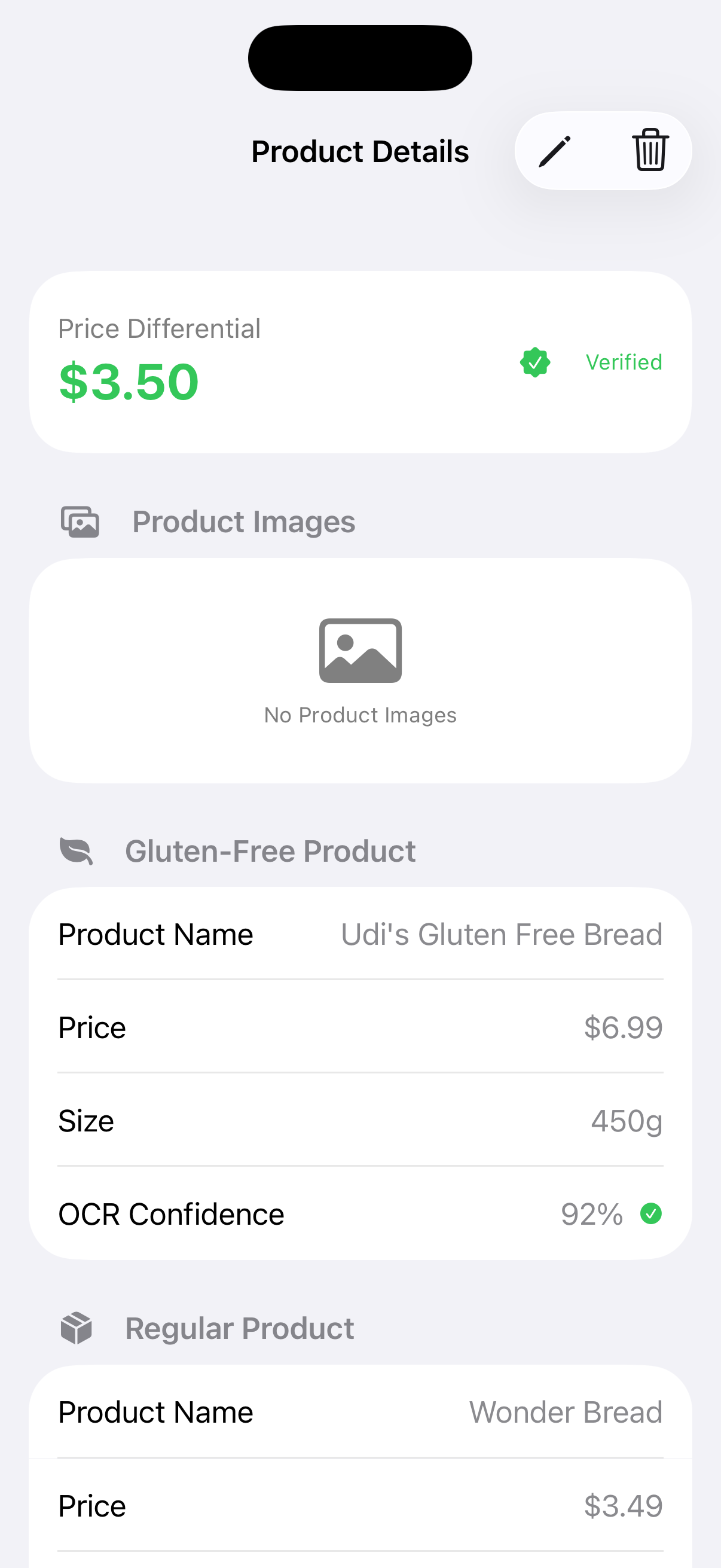
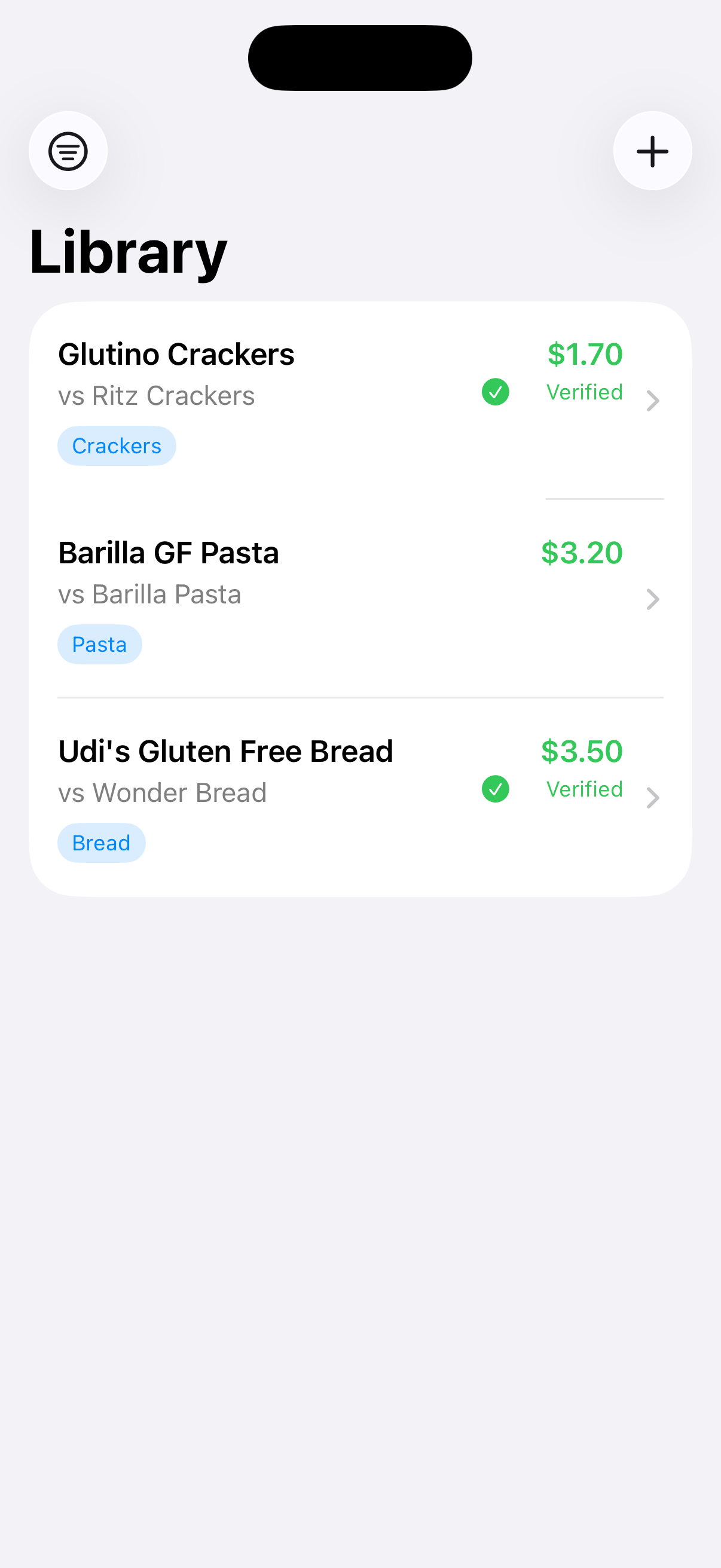
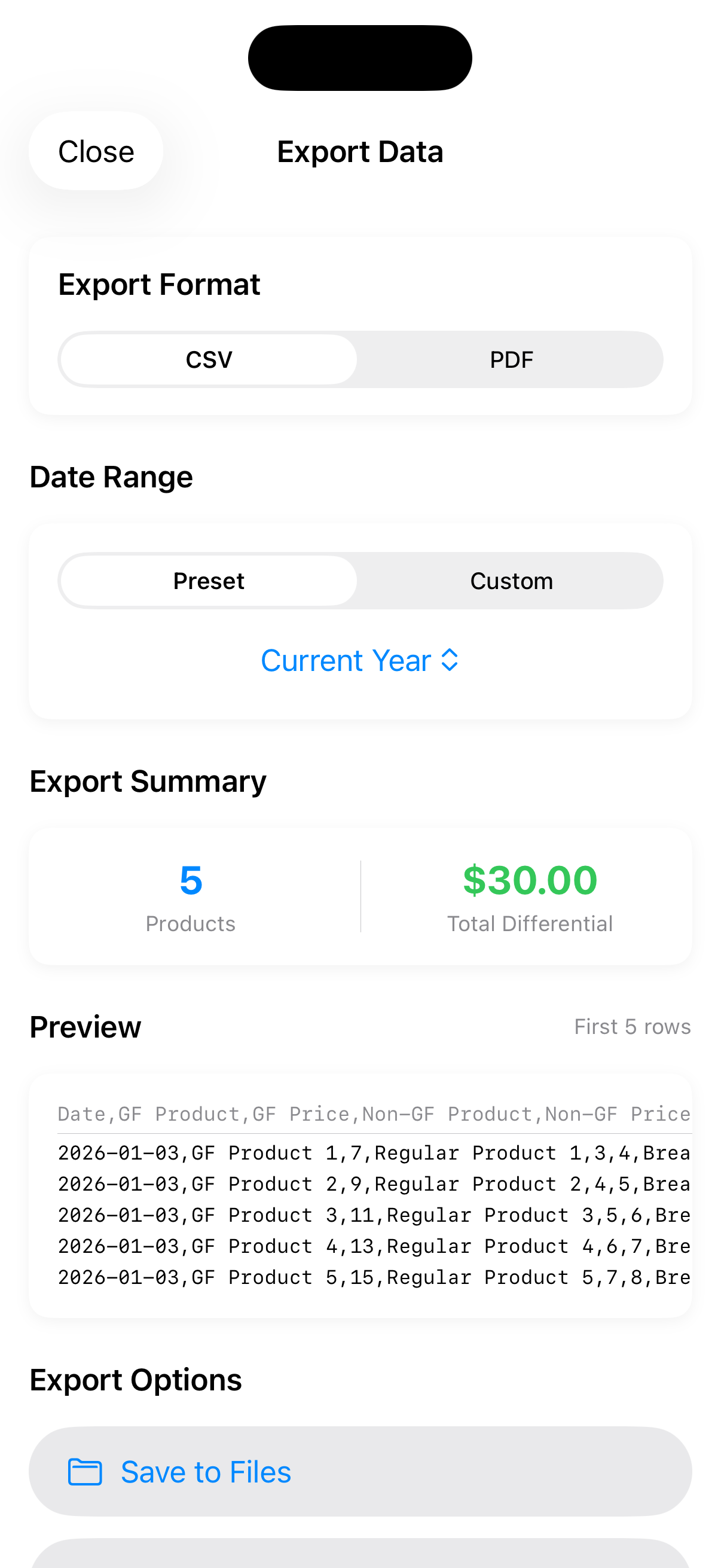
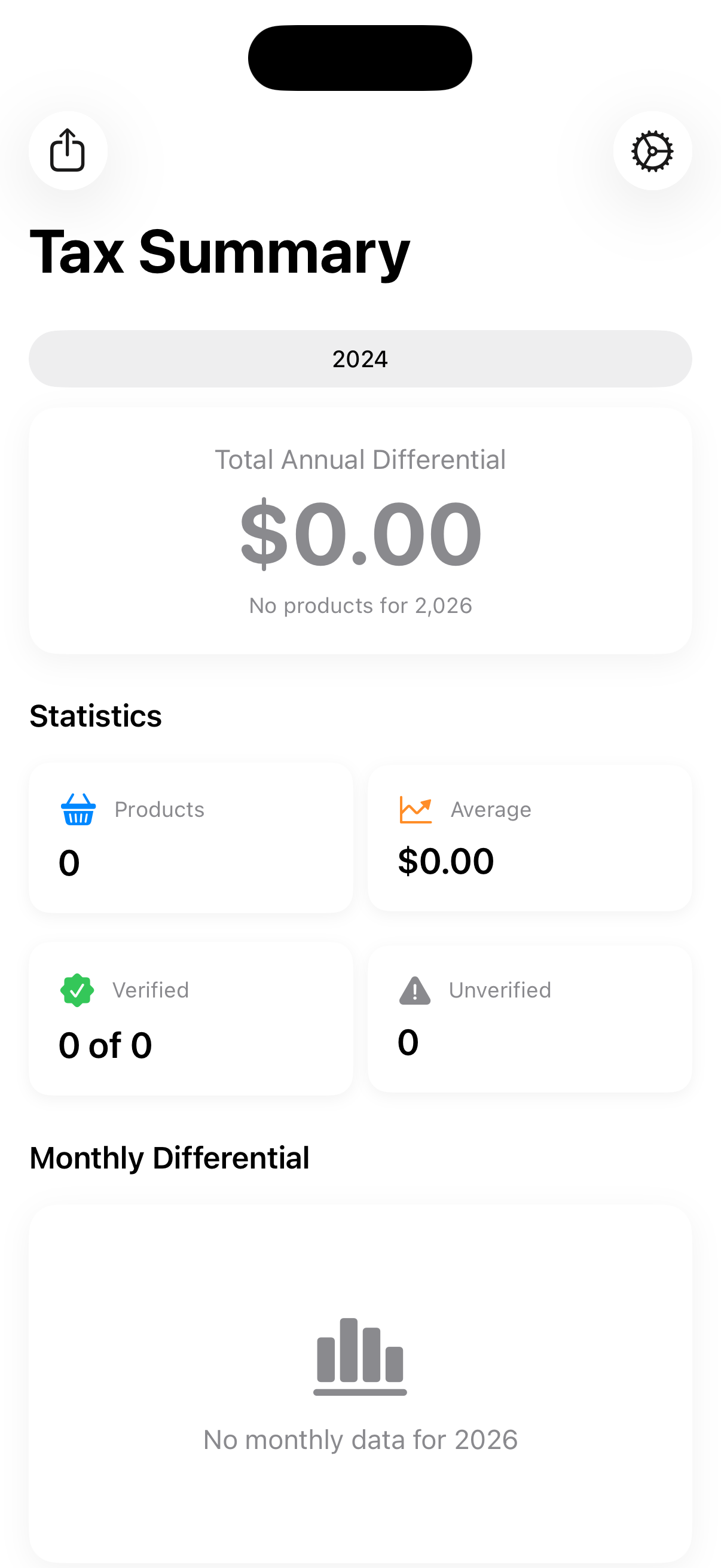
Some of these screenshots were captured in January 2026 and show an earlier build. The current release leads with the unit price differential and uses a three-step review when capturing a product. New screenshots are on the way.
What is GF PriceChecker?
GF PriceChecker is an iOS app for Canadians tracking the incremental cost of eating gluten free. For someone with celiac disease, that premium is a medical expense, and Canada's Medical Expense Tax Credit recognizes the difference in price between a gluten-free product and its regular equivalent — provided you can document it.
The app's job is the documenting: capture both products, capture both sizes, keep the receipt, and calculate the difference honestly. What you do with those records at tax time is between you and your accountant. The app makes no claim about what you're eligible to deduct, and the credit only applies to medical expenses above a threshold of roughly three percent of net income.
Key Features
Unit Price Comparison
Gluten-free products don't only cost more — they frequently contain less. A $7.99 400g gluten-free loaf next to a $3.99 675g regular one looks like a $4.00 gap. Compared by cost per gram and scaled back to the size you actually bought, the premium is $5.63. The app leads with that size-adjusted figure everywhere and keeps the plain package difference alongside it for reference.
Package Size Capture
Enter size the way the shelf tag gives it to you: type the package size directly, or enter the posted unit price and let the app work backwards from it — in cents or dollars, whichever the tag uses. Size is optional. Skip it when you're in a hurry and the app simply tells you which items sat out of the unit price totals.
Guided Shelf Tag Scanning
Photograph the shelf tag and the app reads it on device. A single review screen walks you through three steps — tap the product name, tap the price, tap the size — with the scan results staying in front of you the whole time. Nothing is committed until you confirm it, and anything the scan misses can be typed in by hand.
Receipt Verification
Choose the products from a shopping trip, scan the receipt, then work through them one at a time, tapping the line on the receipt that matches. The app flags a suggested line to save you hunting for it. Confirmed products are marked verified and stay linked to the receipt image, which travels with them into your exports.
Records You Can Stand On
Export a year as a PDF report or a CSV spreadsheet: every product itemized with both prices, both sizes, both differentials, the purchase date, and the receipt image that backs it up. Products still lacking a receipt are listed separately rather than quietly folded into the totals.
Privacy-Focused
Your financial and health data stays on your device. Text recognition runs on device, there are no accounts and no cloud sync, and backups are files you control and store wherever you choose.
How It Works
These walkthroughs were recorded in January 2026, before unit pricing became the app's headline figure and before the capture review was rebuilt into three steps. The workflow they show is broadly the same, but the screens have moved on. Replacements are being recorded.
Capturing a Product Pair
Photographing a gluten-free shelf tag and its regular equivalent, then reviewing what the scan picked up.
Verifying Against a Receipt
Scanning a receipt and matching it to the products you captured, so each one is backed by proof of purchase.
Exporting Your Records
Producing a PDF report or CSV spreadsheet of a year's tracked products, receipt images included.
Try It Before It Launches
GF PriceChecker is in public beta on TestFlight. It's free, and your feedback shapes what ships.